Ask what you saved.
Find an answer in your own sources.
Links, videos, PDFs, school letters
Remember. is a memory that talks back.
Save it once. Ask in your own words and open the exact line. Remember. brings back useful saves when they matter.
Where do we meet for the field trip?
R.Meet by the main gate.
Meet by the main gate at 7:45 a.m.
The bus leaves at 8:15 a.m.
A bookmark here, a screenshot there, a PDF in Downloads. The detail you need is in one of those piles.
Ask across what you saved, check the exact passage, and come back to useful things you had forgotten.
Find an answer in your own sources.
Read the line or hear the exact moment.
See why a save is worth revisiting.
Examples of what you can find again in the things you save.

At the school gate
Open the cited page in the school letter you saved.

Before a call
Check the answer against the line in the brief.

Getting back to a lecture
Play the saved video from the moment the exercise begins.

At the end of the week
Catch up with a weekly briefing that links back to your sources.
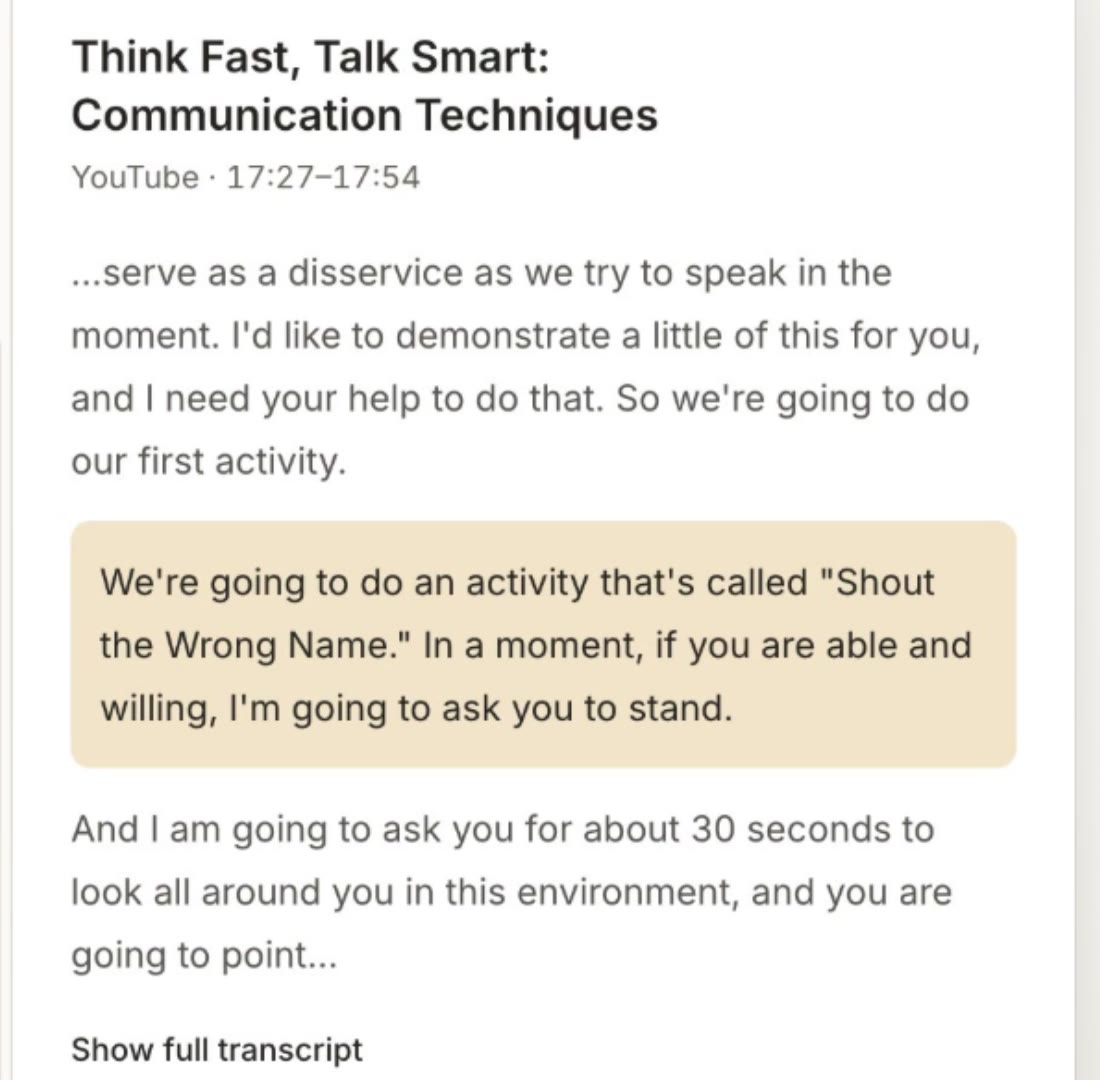
The passage is part of the answer. Open it to check the line in context or play from the moment it was said.
“We’re going to do an activity called ‘Shout the Wrong Name.’”Play this passage on YouTube
Keep a video, article, thread, school letter or your own words.
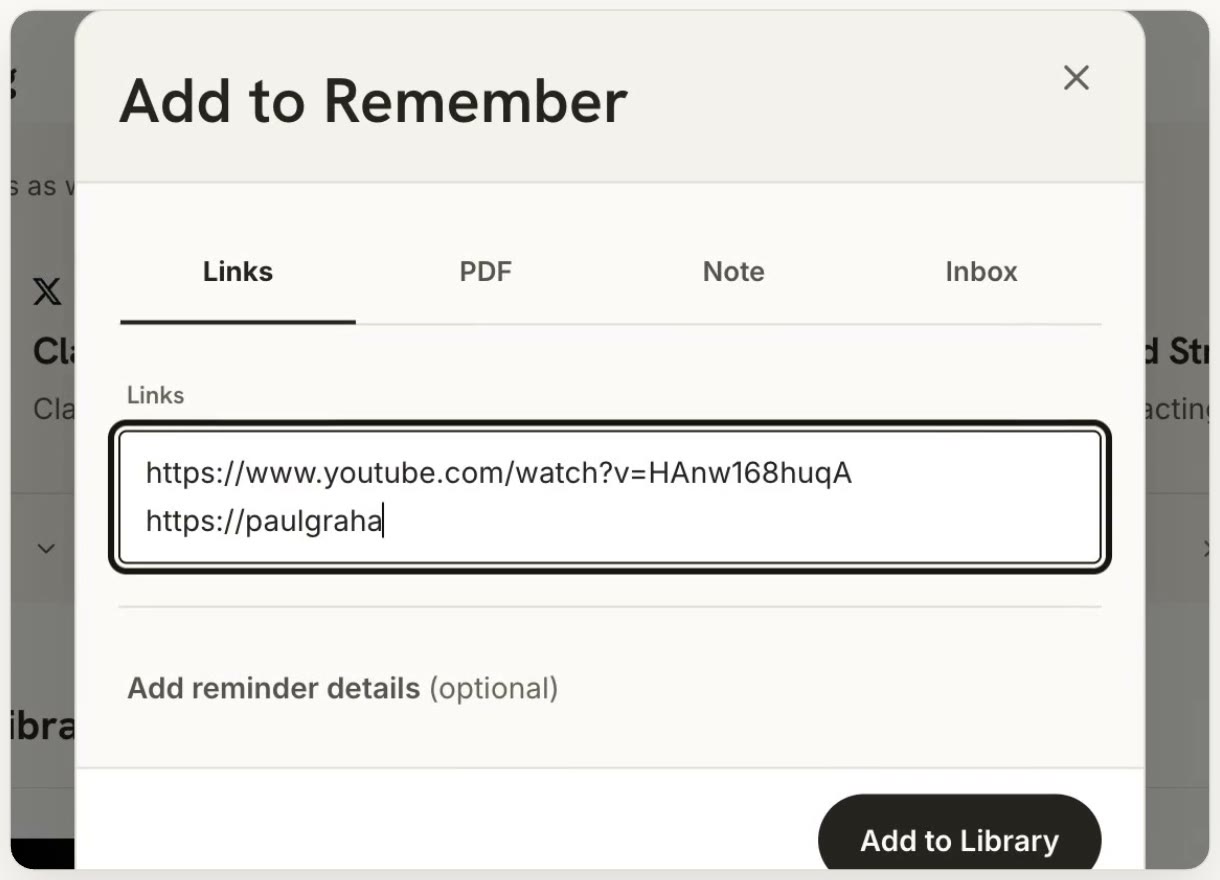
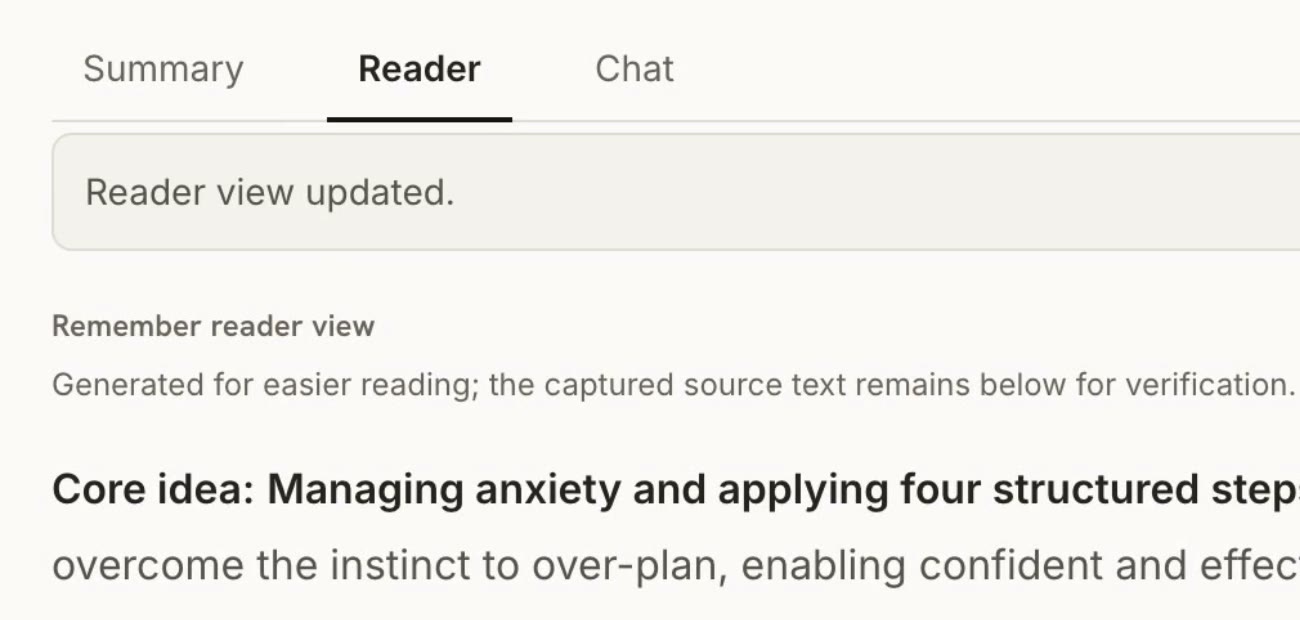
Start with the summary, then read the article or transcript. The original stays within reach.
Ask in your own words and open the passage behind the answer.
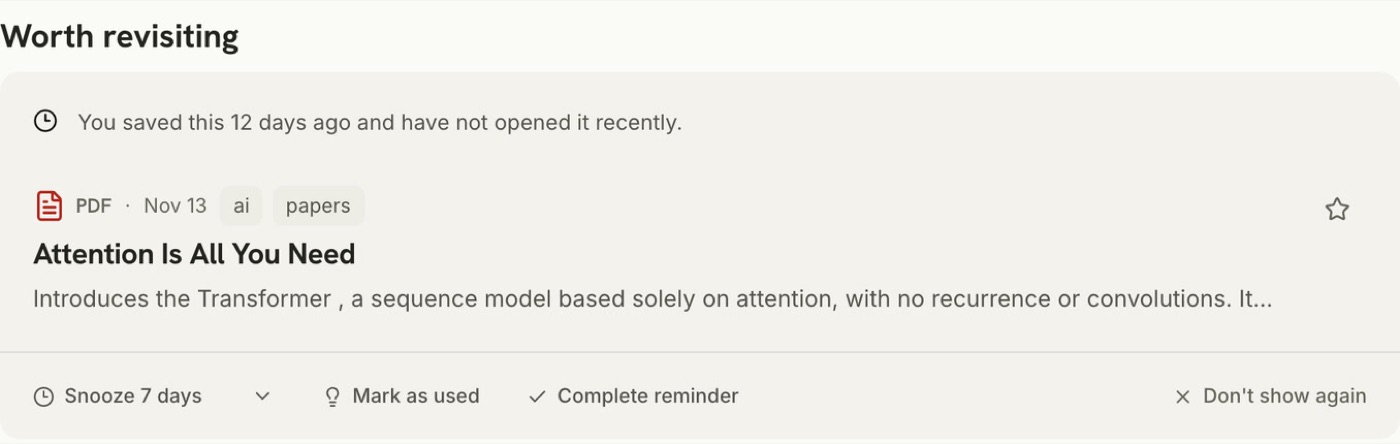
Today brings back older saves with a reason to revisit them.
Search the Library for a phrase in a saved source.
Find captured prompts with a timestamp and a Copy button.
Group what belongs together and ask about it in one place.
See what you saved, with links back to the sources.
Hold links for later before moving them into the Library.
Import bookmarks exported from your browser.
Open your library from your home screen or app launcher. Where your device supports it, choose Remember in the Share menu to save a link.
If Remember doesn’t appear in the Share menu, copy the link and paste it into Capture.
To save a file, open Capture and upload a PDF.
Answers use your saved sources and show where they came from.
See the provider listRemember. is invitation only.
Already invited? Sign in